Support Widget
Support Widget for Users to communicate with our support team. We attempt to
respond to support requests as soon as possible, and, depending on the
service level. Normally, we reply within 24
hours during business days. Clicking the Support button at the bottom-left
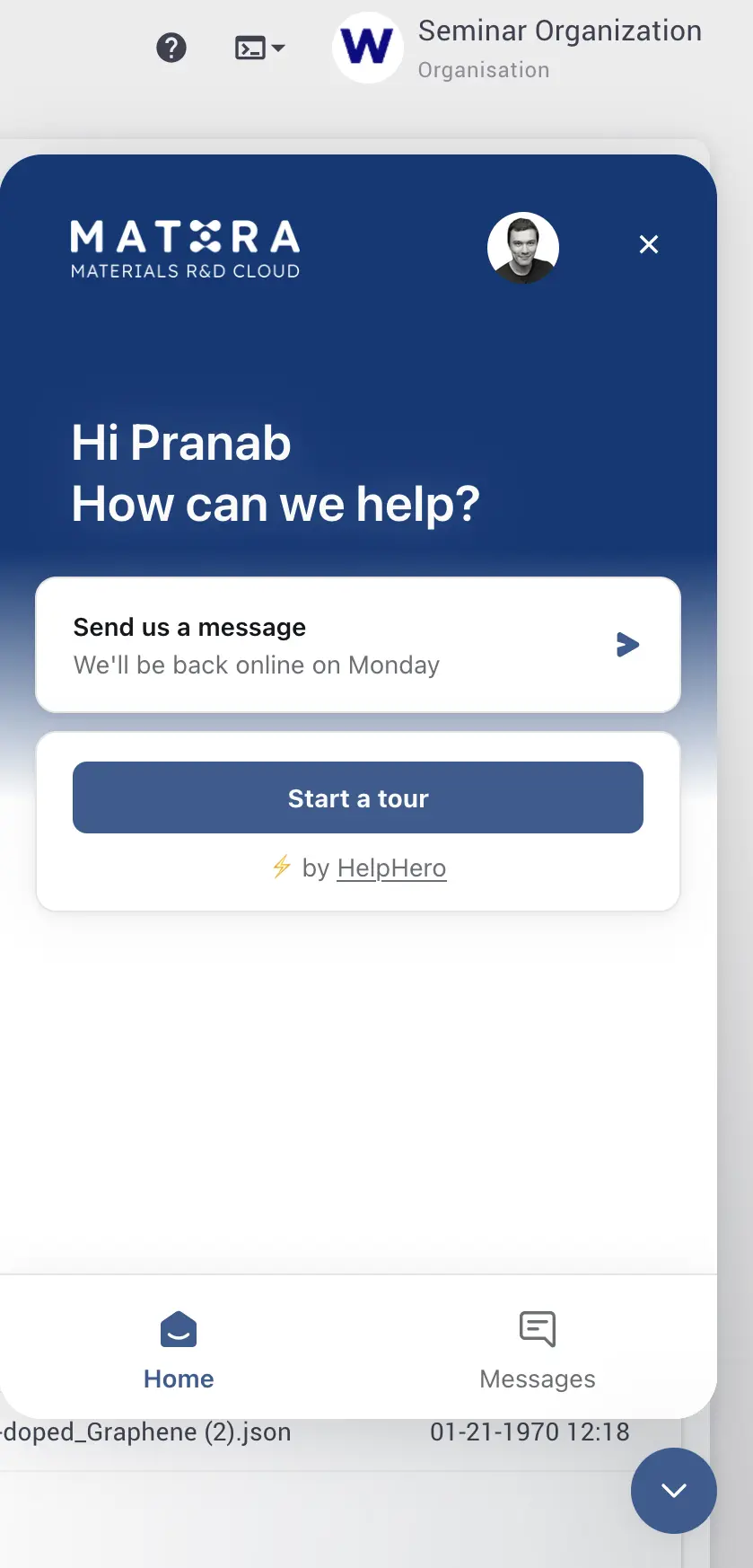
corner of any page opens the following dialog.
Required Information
Here, the user can submit support requests for overcoming technical issues. They will be dealt with by the Exabyte Support Staff in the shortest delay possible, via e-mail. For this reason, the user is kindly asked to provide his/her email address in the central text field of the widget, besides the question being posed. Optionally, the user's name can also be entered. Finally, the Support Widget offers the possibility to include up to five file attachments, in order to clarify the nature of the problem. We recommend attaching a screen cast video demonstrating the problem, with a screenshot(s) as a second option.
Send Support Request
The email message can finally be sent to the Exabyte support staff by pressing
the Send button at the bottom of the widget. The user shall immediately
receive an email from our support server about the receipt of the request.
Alternatively, the message contents can be erased by selecting the Cancel
option, or equivalently by clicking the minimization icon at the top-right
corner of the widget.